



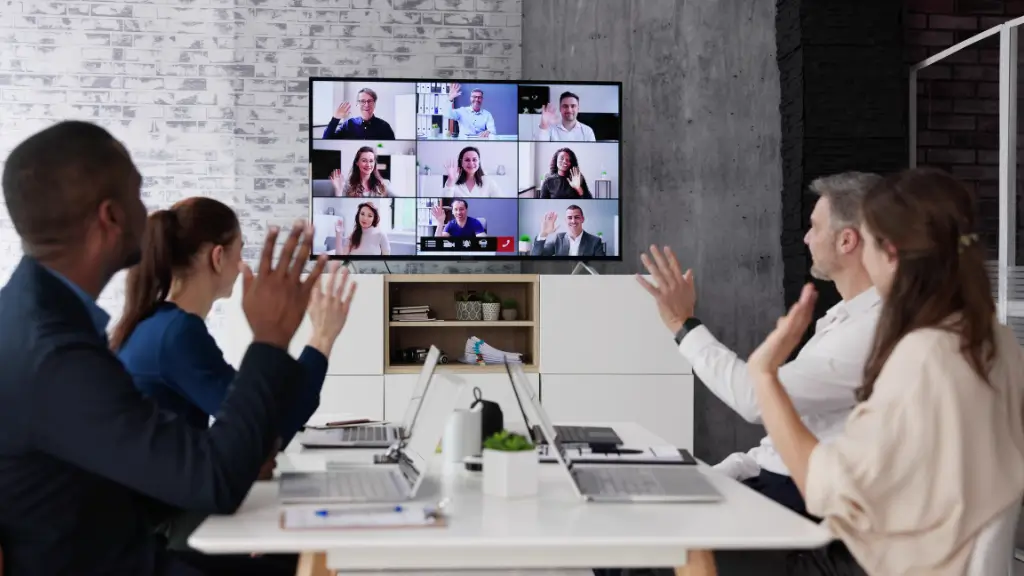
In today’s fast-moving digital environment, video conferencing has become a core part of how businesses operate. As remote work and global collaboration continue to grow, the need for clear, reliable communication is no longer optional—it’s essential.
Video calls have come a long way. What used to be unreliable and low-quality is now a high-definition, feature-rich experience that supports real-time collaboration across teams, clients, and partners.
Modern businesses rely on speed and connectivity. Whether managing remote employees, meeting clients, or coordinating across locations, video conferencing helps bridge the gap. Features like screen sharing, chat, and virtual whiteboards make interactions more engaging and productive—often replicating the feel of in-person meetings.
As hybrid work becomes the norm, investing in the right video conferencing setup is a strategic decision. It ensures clarity, consistency, and security while keeping teams connected and efficient.
Key Components of an Effective Video Conferencing Setup
A reliable video conferencing experience depends on three key elements: hardware, software, and environment. When these work together, meetings become smoother and more effective.
Essential Hardware
- High-Definition Camera
Clear video improves engagement and helps capture non-verbal communication.
- Quality Audio Setup
A good microphone and speakers—or noise-cancelling headsets—ensure conversations are clear and distraction-free.
- Stable Internet Connection
A wired connection is often more reliable than Wi-Fi, reducing lag and dropped calls.
Reliable Software
- Trusted Platforms
Tools like Zoom, Microsoft Teams, and Google Meet offer strong performance, security, and ease of use.
- Integration Capabilities
Platforms that connect with calendars, file sharing, and project tools help streamline workflows.
Optimized Environment
A clean background, proper lighting, and reduced noise make a noticeable difference. Even simple adjustments can improve professionalism and reduce distractions during meetings.
Essential Hardware for Conference Room AV Setup
For businesses using dedicated meeting rooms, the right AV setup is critical for smooth communication.
Display Solutions
High-resolution screens ensure presentations and video feeds are clear. Larger rooms may benefit from dual displays for better visibility.
Audio Systems
Ceiling or tabletop microphones paired with quality speakers ensure everyone can hear and be heard without confusion.
Cameras
Wide-angle or PTZ (pan-tilt-zoom) cameras capture the entire room and adapt to different meeting dynamics.
Connectivity and Control
Simple connectivity options (HDMI, USB, wireless sharing) and easy-to-use control panels help avoid delays and technical interruptions.
A well-designed AV setup doesn’t just improve meetings—it enhances collaboration across the organization.
Choosing the Right Video Conferencing Solution
Selecting the right platform isn’t about choosing the most popular option—it’s about what fits your business.
Key Considerations
- Scalability
The solution should grow with your business, supporting both small meetings and large sessions.
- Ease of Use
A simple interface encourages adoption and reduces technical issues.
- Integration
Compatibility with existing tools keeps workflows efficient.
- Security
Features like encryption and access controls help protect sensitive information.
Choosing the right solution ensures long-term value and smoother collaboration.
Best Practices for Installation
A strong setup starts with proper planning and installation.
Assess the Space
Room size, layout, and lighting all influence the type of equipment needed.
Position Equipment Correctly
Cameras should be at eye level, and microphones placed to capture all voices clearly.
Ensure Strong Connectivity
High-speed internet is essential. Test all systems before going live.
Test and Optimize
Run trial meetings to identify and fix any issues early.
Final Thoughts
Video conferencing is no longer just a convenience—it’s a business essential. When set up correctly, it improves communication, supports collaboration, and keeps teams connected regardless of location.
The right combination of technology, environment, and planning creates a seamless experience that helps businesses operate more efficiently in a digital-first world.
As work continues to evolve, investing in a reliable video conferencing setup isn’t just about meetings—it’s about building a more connected and future-ready organization.